Streaming platforms constantly shove subtitles to the top of your screen during intros, credits, or title cards. SubFix locks them cleanly at the bottom with custom typography, colors, and high-contrast pills.
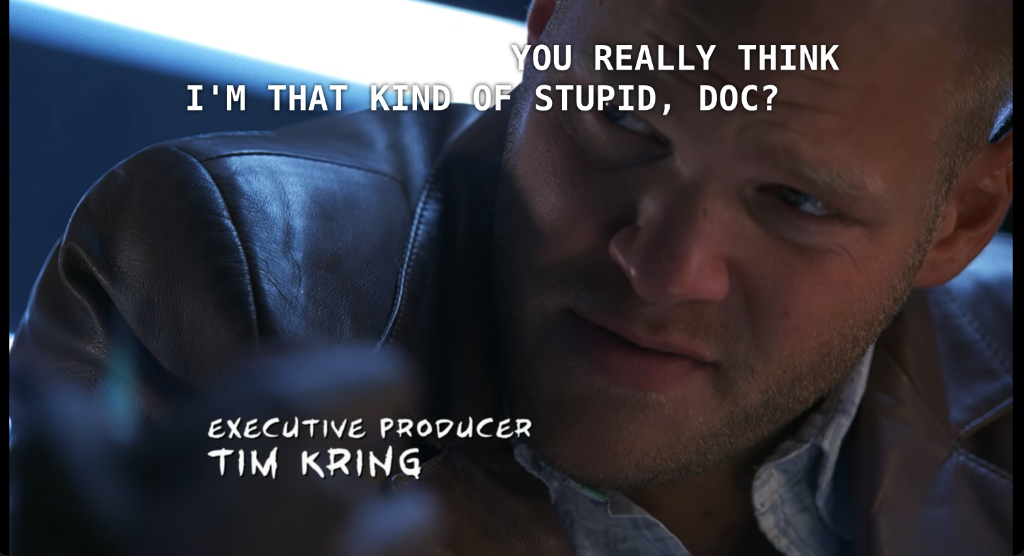
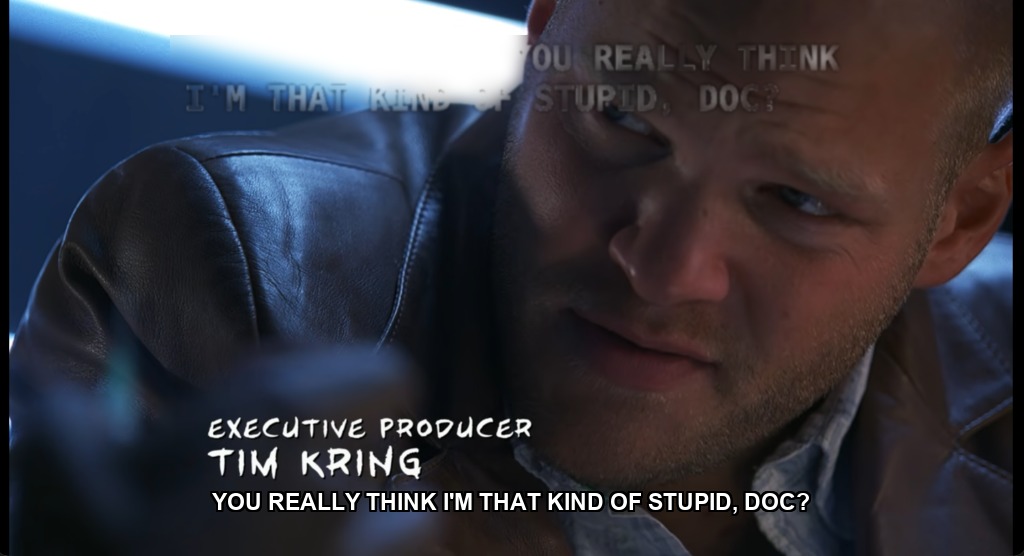
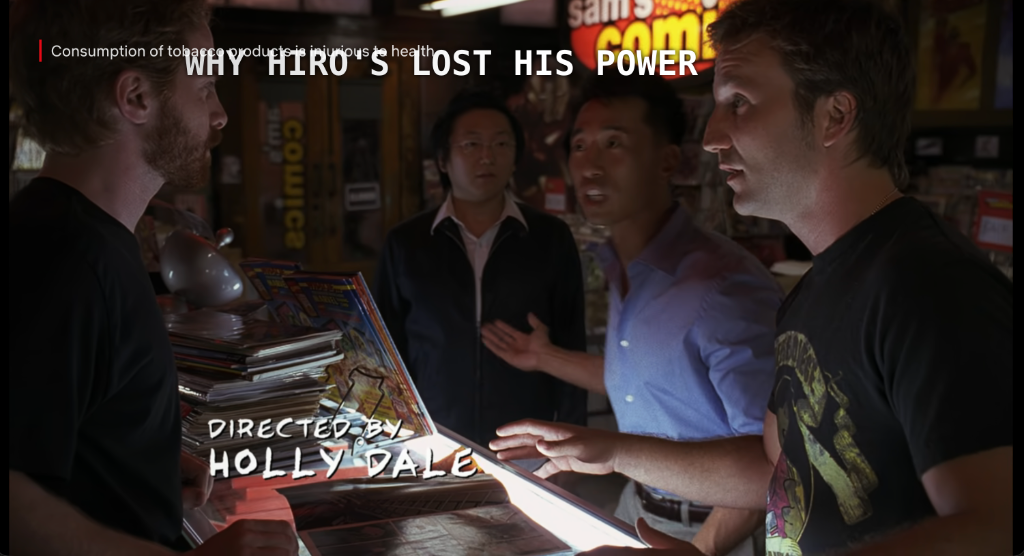
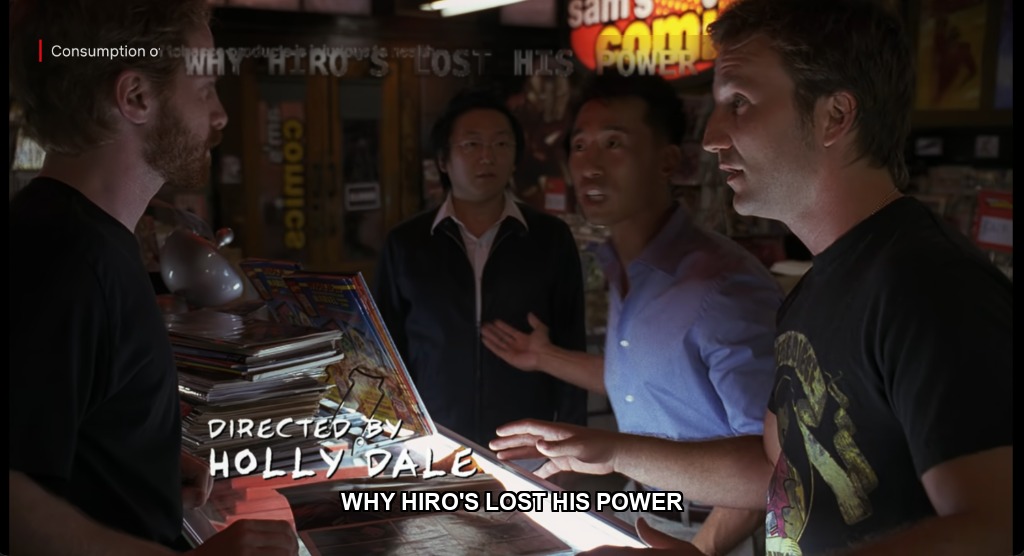
Try the exact controls available in the SubFix extension popup below.
Completely stops subtitles from jumping into actor eyes whenever intros, credits, or title cards play.
Full support for Netflix, Amazon Prime Video, Disney+ Hotstar, and JioCinema player containers.
Handles multi-speaker lines and double captions without collapsing or overlapping them.
Scale subtitle size up on large 4K TVs and ultrawide monitors or pick high-legibility fonts.
Toggle deep dark outlines or translucent background boxes so subtitles never get lost in white snow or bright skies.
Requires no tracking permissions and stores your styling preferences safely inside your Chrome sync storage.
Free forever for essential Netflix bottom anchoring. One-time Pro purchase for multi-platform sync & advanced styling.
Essential subtitle bottom anchor
Pay once, own forever across all platforms
Install the SubFix extension in less than 30 seconds and never squint at top-of-screen subtitles again.
Manifest V3 • Built by SummerLabs